WordGym Mobile App
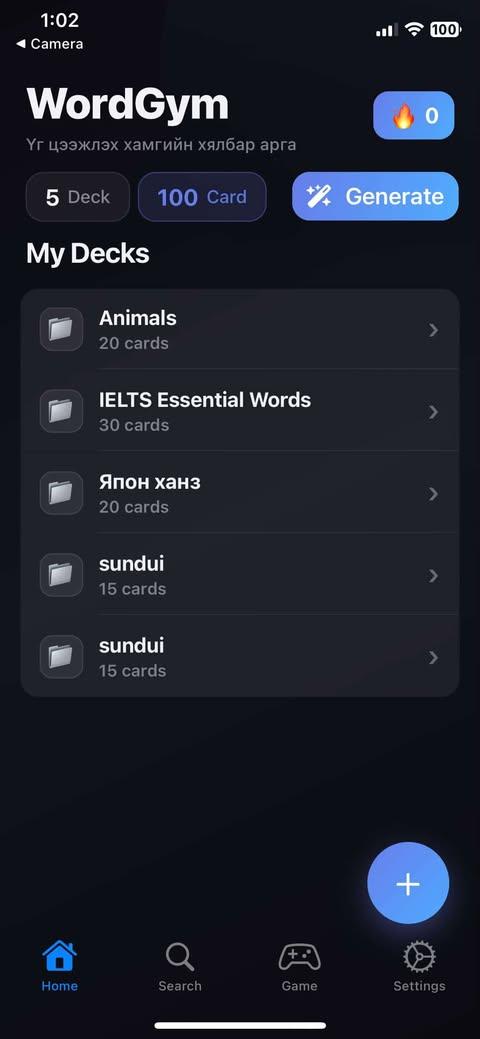
A team-built mobile vocabulary app with deck creation, AI-assisted card generation, offline-first study flows, and practice mini-games.
Challenge
Build a mobile study experience that felt practical and engaging, not just a static flashcard app, while supporting offline use and multiple learning modes.
What I owned
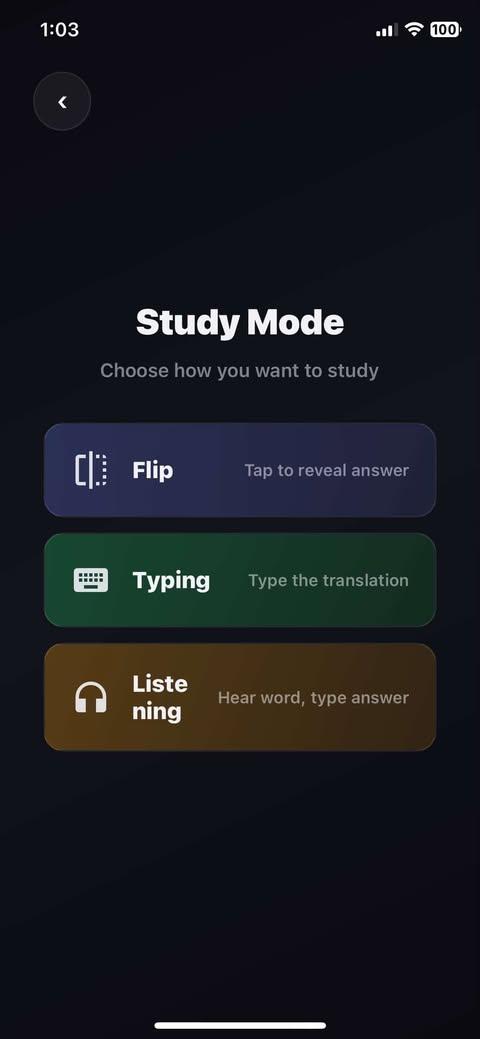
Contributed to the mobile product experience across navigation, study flows, deck interactions, and the game-oriented parts of the app.
Outcome
The result was a broader vocabulary product with stronger retention mechanics, better mobile usability, and more ways for users to keep practicing consistently.
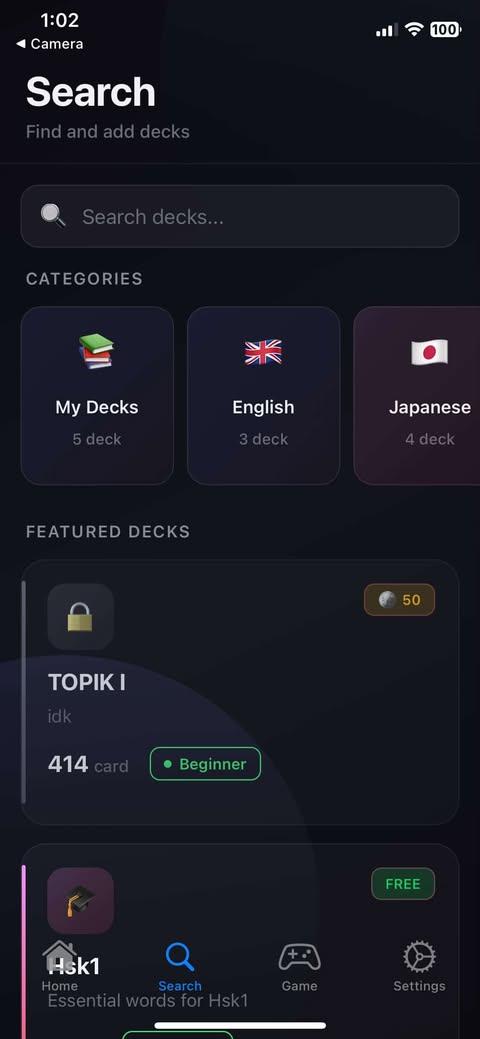
App screens
Inside the flow.
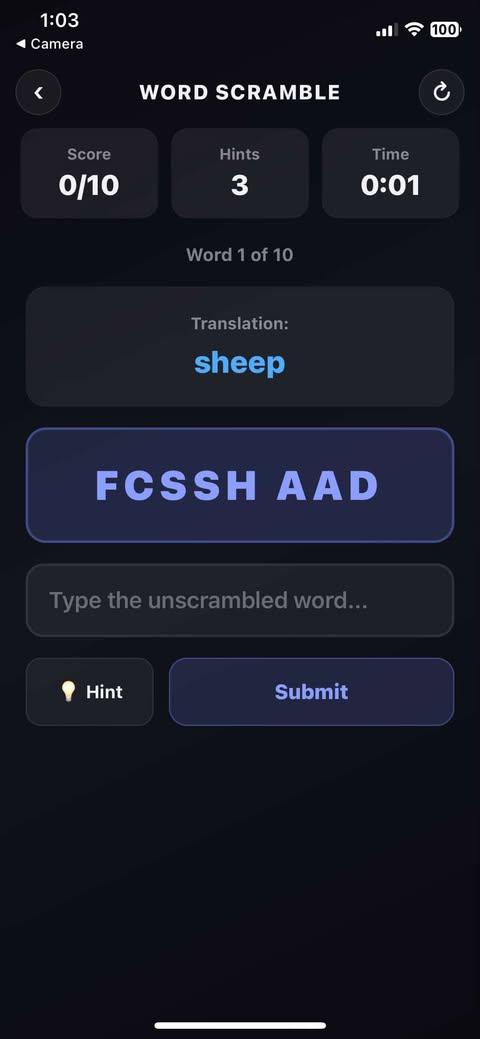
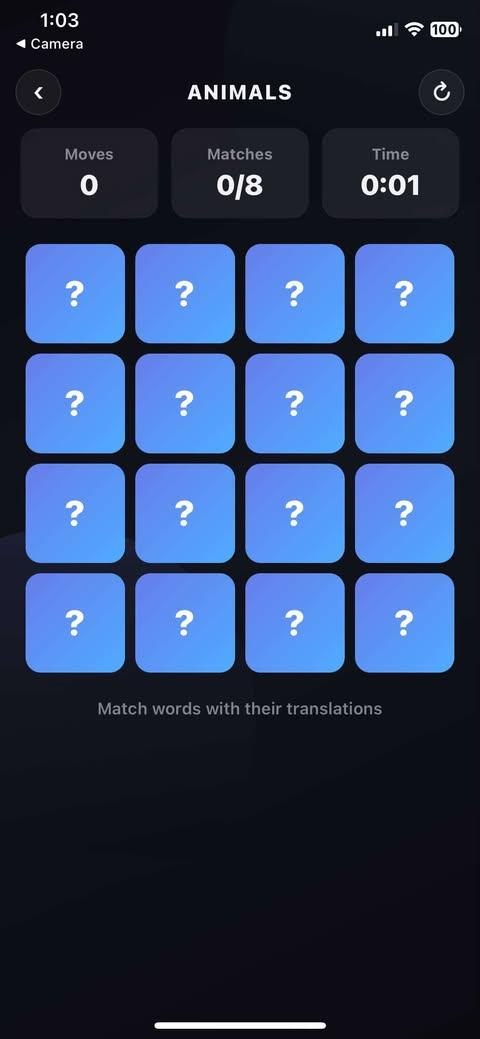
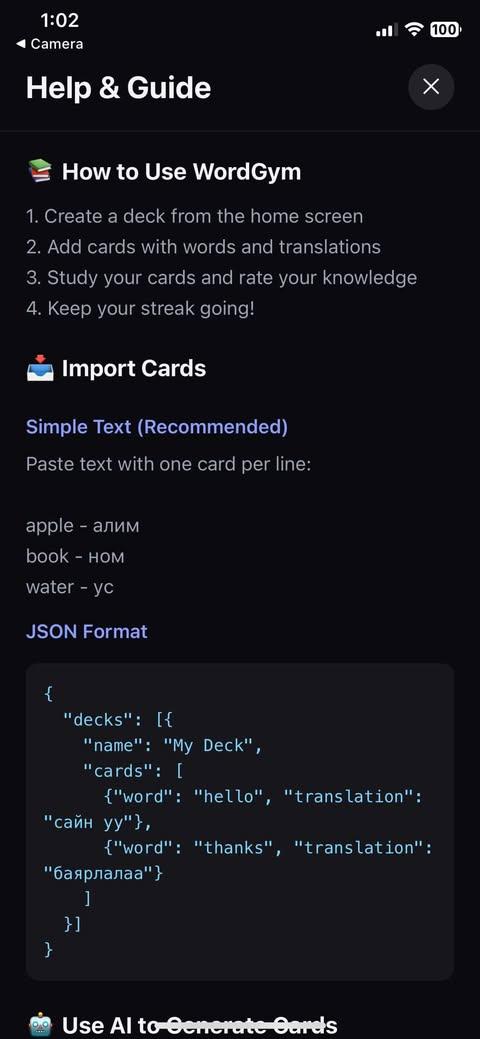
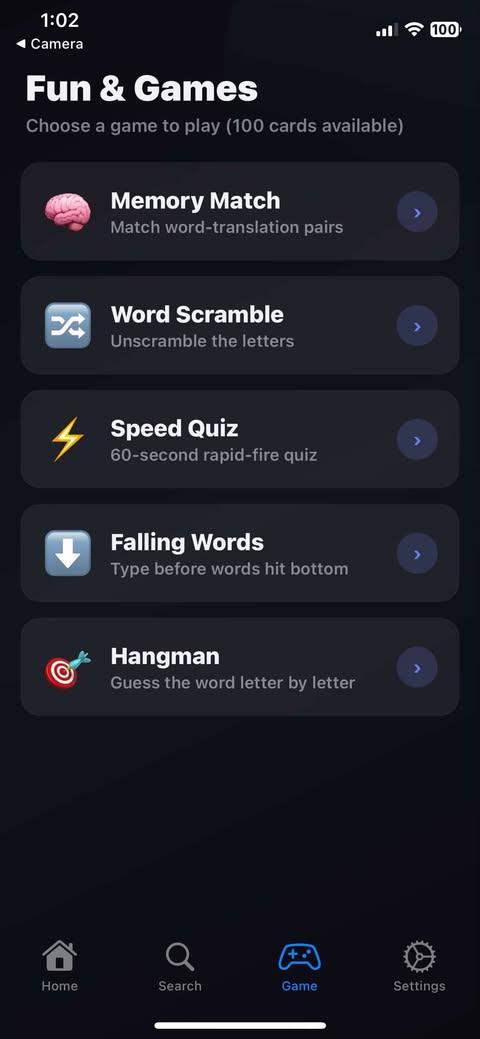
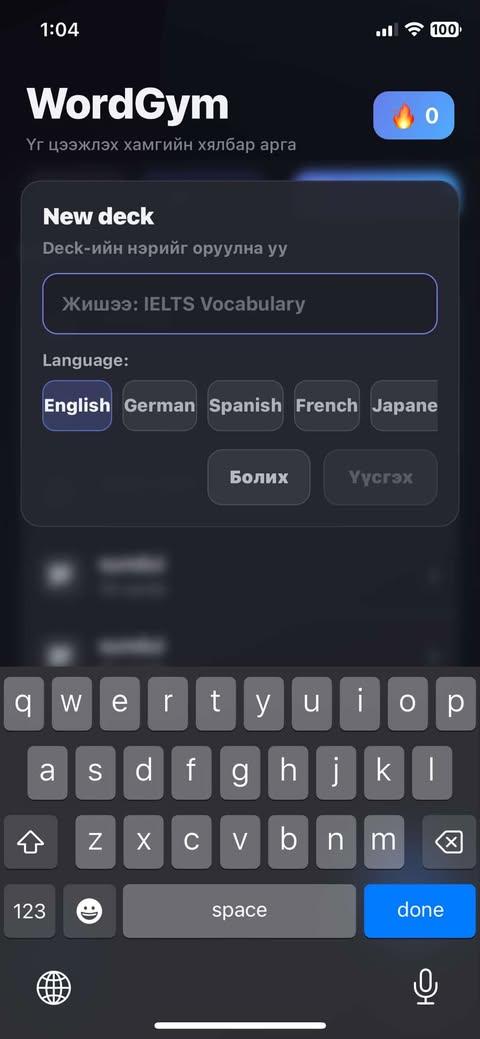
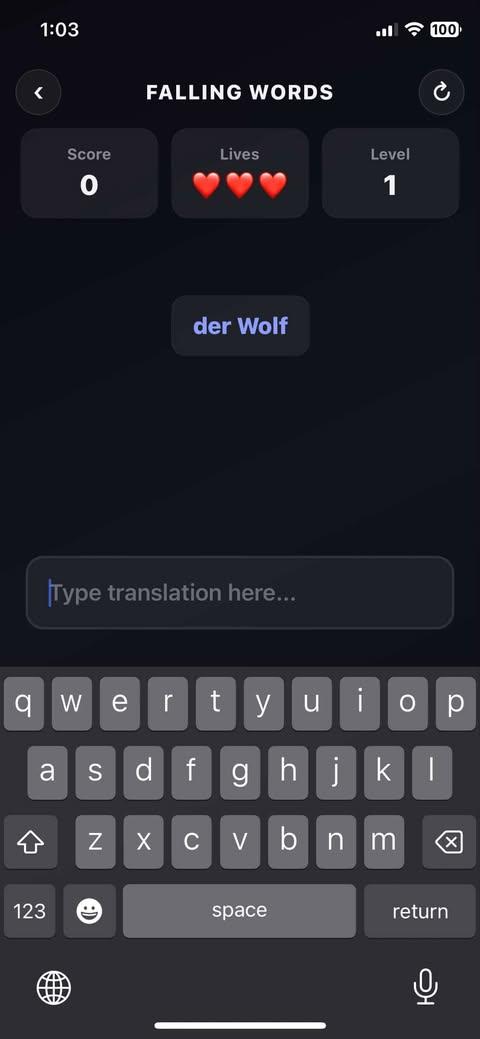
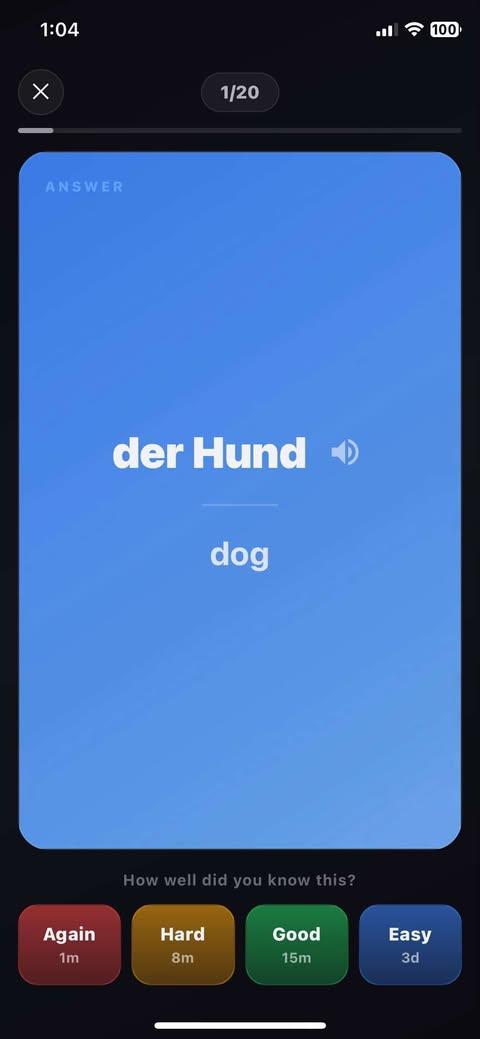
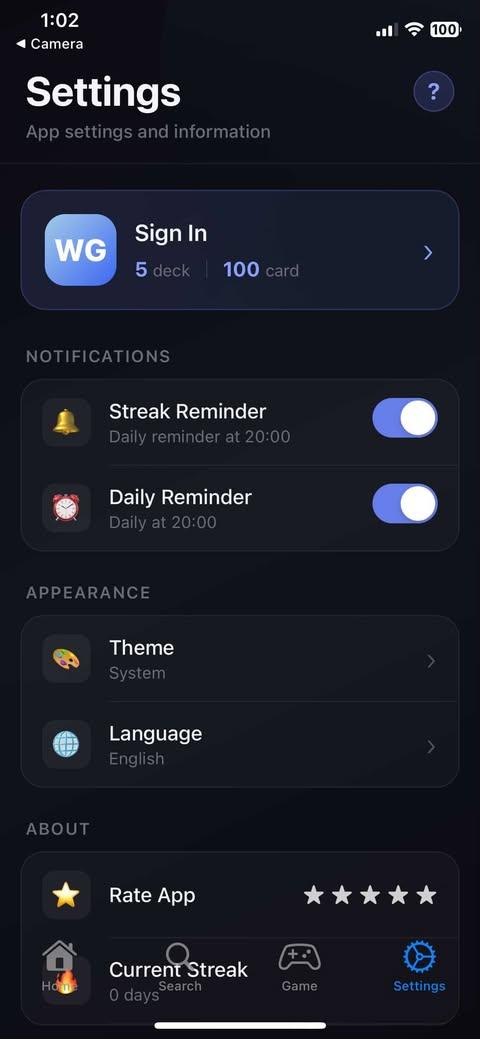
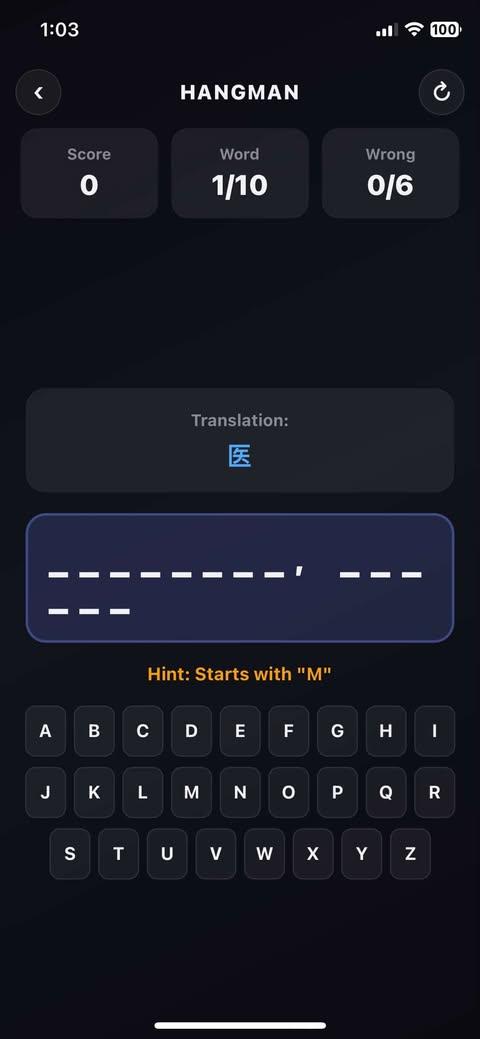
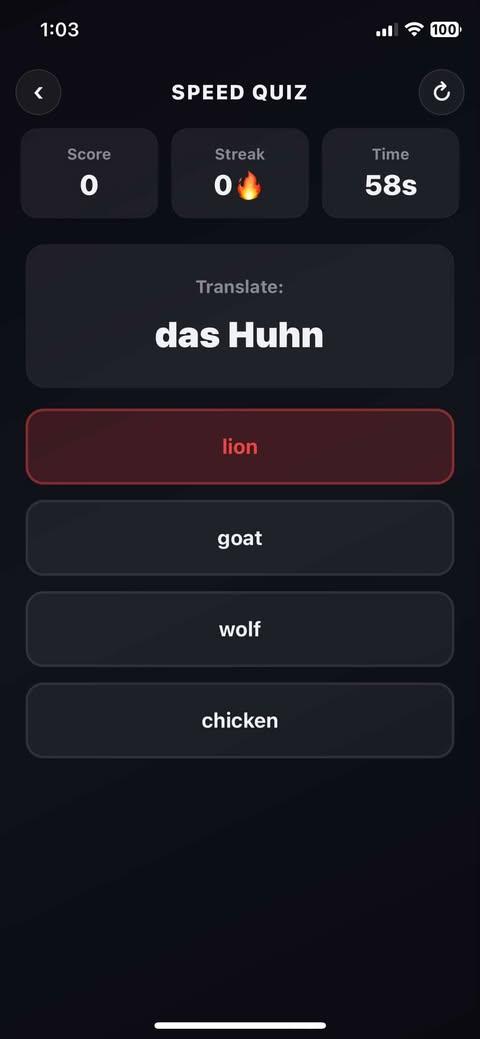
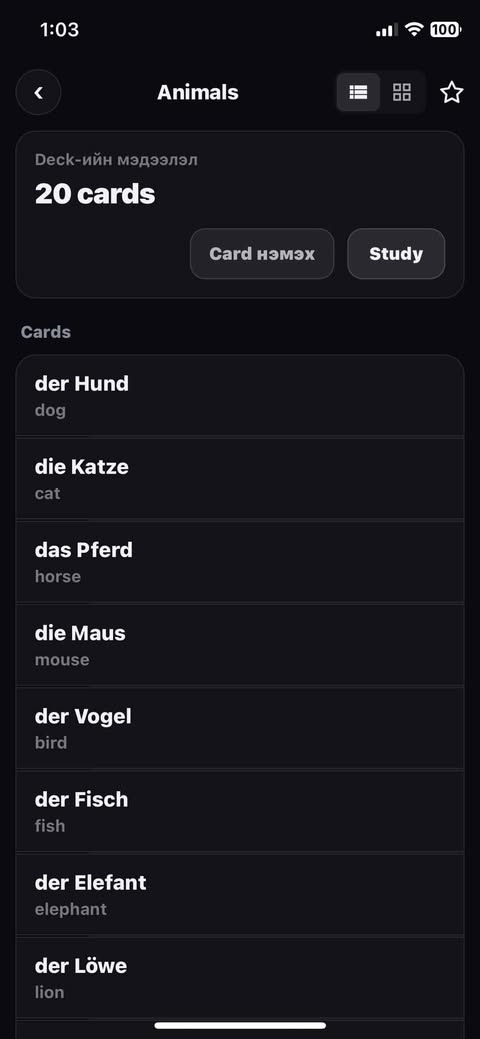
A quick scan through the deck, search, practice, and game moments that make the product feel like a real mobile study tool.
Highlights
- Built with Expo Router and React Native to support a polished study flow across deck, learning, and game screens.
- Used local SQLite storage, authenticated users, and AI-assisted card generation to support practical offline-first use.
- Included game modes such as memory match, scramble, speed quiz, falling words, and hangman.
Architecture
The mobile app uses Expo and React Native with route-based screen organization, SQLite for local persistence, Clerk for auth, and feature-specific game screens layered on top of the learning system.
Lessons learned
- Mobile learning products need fast, low-friction flows because every extra step makes the study habit weaker.
- Offline-first support changes product quality noticeably for study apps because users expect access anywhere.
- Mini-games work best when they reinforce the same vocabulary system instead of feeling like separate demos.
Process
Step 1
Planned the app around real study behavior, making sure users could move between decks, learning flows, and mini-games without the experience feeling disconnected.
Step 2
Used Expo Router and React Native patterns to organize screens in a way that stayed manageable as the app grew beyond a simple deck viewer.
Step 3
Supported practical usage by combining offline-friendly local storage, authenticated users, and AI-assisted card generation into one mobile workflow.
More Projects
Frontend Developer | 2026
Galexora
A cinematic space exploration site designed to prove strong frontend storytelling, section architecture, and polished interaction work.
Full-stack Developer | 2026
Sign Language Web
A team-built sign language platform in a shared monorepo with live ASL and MNSL detection, practice flows, and admin-managed vocabulary.